Top ISO Audit Management Software: 8 Platforms Compared
An audit report is only useful if the findings lead to action. For many organisations, the difficult part is keeping the schedule, supporting evidence, responsibilities and follow-up in one place.
ISO audit management software helps organise that work. But the products available serve different needs. Some focus on ISO audit programmes, some on site inspections, and others include auditing within a wider quality management system.
This guide compares eight options for organisations researching the top ISO audit management software, with features, strengths and practical considerations to help you choose.
Want to assess iAudit while you compare? Start a 14-day free trial with no credit card required.
Start with the scope you need. Then compare evidence handling, corrective actions, reporting and the full cost of implementation and use.
What is ISO audit management software?
ISO audit management software helps organisations plan audits, record evidence, document findings and track corrective actions. It gives auditors and managers a shared record of what was checked, what was found and what still needs attention.
A dedicated audit platform concentrates on this process. A broader quality management system may also include document control, training, complaints and supplier management. The appropriate choice depends on whether you are improving your audit process or replacing a wider set of systems.
Top ISO audit management software compared
The right choice depends on your standards, audit activities and the processes you want to manage alongside them.
These are suggested use cases, not performance rankings. Confirm the relevant standards, features and plan restrictions with each provider.
How we selected these platforms
We selected products with published capabilities relevant to ISO auditing, including audit planning, evidence collection, findings, reporting and corrective actions. We also considered whether auditing is the product's main purpose or part of a wider system.
This guide is published by iAudit Global and includes our own software. It is based on publicly available vendor information, not independent hands-on testing of every platform. The order does not represent a scored ranking.
Product information reviewed: 6 November 2026. Features, names, pricing and trial terms can change.
1.
iAudit Global
For organisations seeking a dedicated ISO audit workflow
Dedicated ISO Platform
iAudit Global supports ISO 9001, ISO 14001 and ISO 45001 audits, bringing planning, evidence, findings and corrective actions into one platform. Its workflow follows Plan, Do, Check, Act, with an emphasis on following findings through to verified action closure.
Audit planning: define scope, criteria and responsibilities so teams know what needs to be assessed.
Evidence and findings: keep supporting information connected to the audit, reducing the need to search through separate files.
Corrective action tracking: assign owners and deadlines, then check whether actions have been effective.
Multi-site oversight: review findings and performance across locations, subject to the selected plan.
Audit Mate: draft audit plans, checklists and sample questions for auditors to review.
The PDCA-based audit workflow helps connect the work done during an audit with the follow-up required afterwards.
Industries supported by iAudit
iAudit supports ISO audit programmes across manufacturing, construction, healthcare and other sectors. Teams can organise audits around the processes and locations relevant to their operations.
Its dedicated ISO focus connects the audit programme to evidence and follow-up. This makes it relevant when your main requirement is to manage management system audits in one place.
Considerations
Plans differ in the number of supported standards, sites and reporting capabilities. Match your requirements to the selected plan.
For organisations considering a modular quality management system
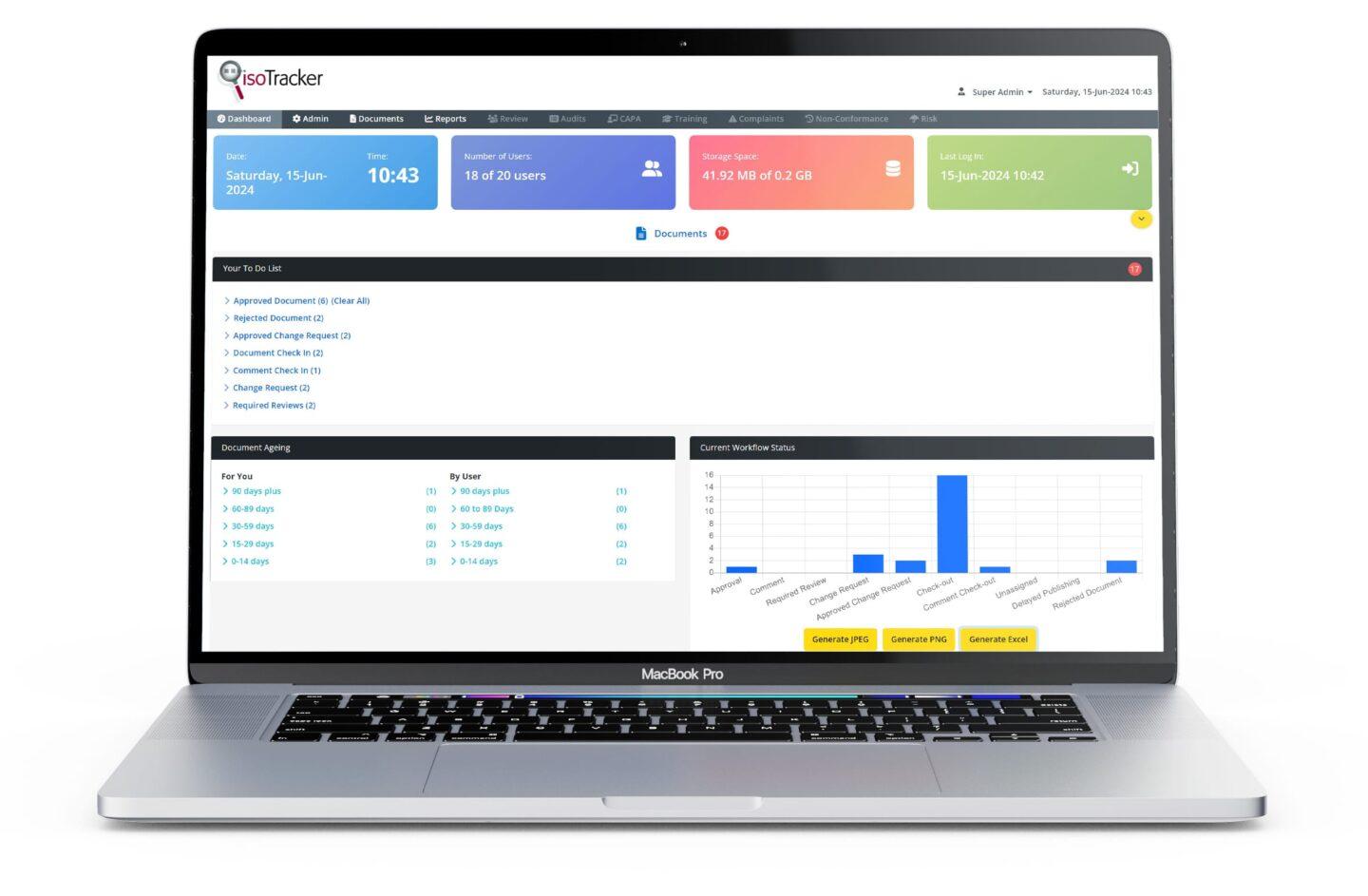
isoTracker offers audit management as a standalone module or alongside other quality management modules. It is worth considering if you want to organise audits now and evaluate additional quality processes separately.
Key features
Reusable checklists: adapt previous audit questions instead of rebuilding each audit.
Audit scheduling: organise one-off or recurring audits.
Integrated corrective actions: assign tasks and deadlines, with reminders and escalation for unresolved issues.
Audit reporting: review results and corrective action outcomes in a consistent format.
Strengths
The modular approach gives organisations a way to assess audit management separately from other quality functions. Reusable checklists and integrated corrective actions support repeatable audit processes.
Considerations
Establish which modules you need and how the licensing arrangement fits your team. Its published audit guidance describes downloading Excel checklists for offline completion, so assess whether that process suits your auditors.
Pricing and evaluation: Review current pricing and trial terms directly with the provider.
For teams carrying out regular site audits and inspections
GoAudits focuses on digital inspections, reporting and follow-up. Its mobile tools make it relevant to teams collecting information on site across facilities, stores, production areas or other operational locations.
Key features
Mobile checklists: record answers, photos, annotations and signatures during inspections.
Offline inspections: continue collecting information where connectivity is limited.
Automatic reports: produce inspection reports without manually assembling every result.
Follow-up workflows: assign tasks, send reminders and review recurring issues across sites.
Strengths
Mobile and offline inspection tools support on-site work. Automatic reports and assigned follow-up tasks help teams act on what they record.
Considerations
Demonstrate a complete ISO audit using your own requirements. Assess how you would record clause references, root causes and effectiveness checks, as well as routine inspection results.
Pricing and evaluation: Check current plans, trial access and reporting options with the provider.
For organisations combining audit activities with operational checks
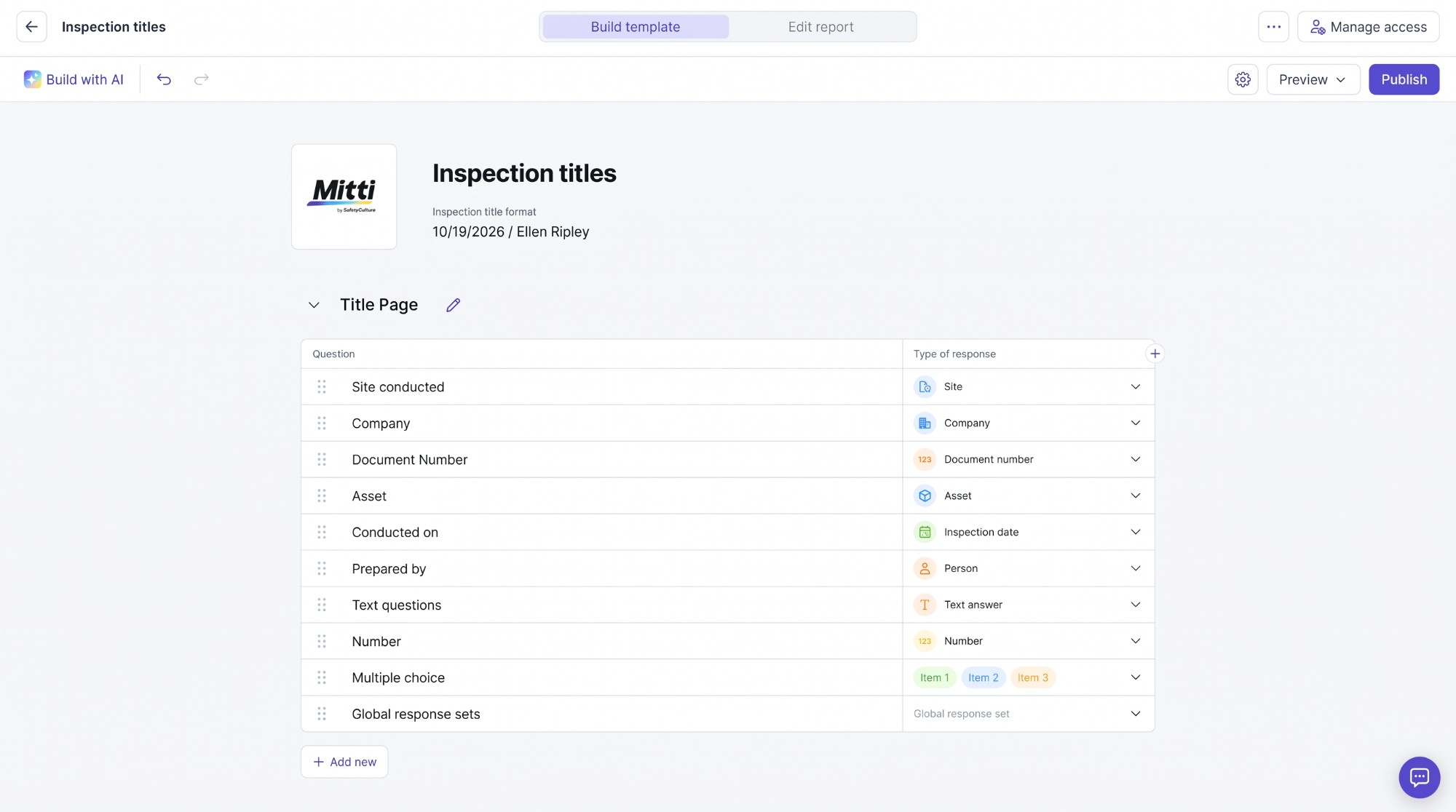
The SafetyCulture platform is now presented as Mitti by SafetyCulture. Its ISO audit offering includes documentation, audit trails and action tracking within a broader operational platform.
Key features
ISO audit documentation: maintain records that support review and follow-up.
Action tracking: monitor progress on work arising from audits.
Audit trails: retain a record of audit activity.
Broader operational coverage: consider audit activities alongside other safety and quality checks.
Strengths
Its broader operational scope makes it relevant where the same teams manage audits alongside regular safety and quality checks.
Considerations
Distinguish routine inspections from your formal management system audit requirements. Ask the provider to demonstrate how its templates, reporting and follow-up support the standards and audit depth you need.
Pricing and evaluation: Confirm the current product package, pricing and available evaluation options.
For organisations connecting audits with wider quality processes
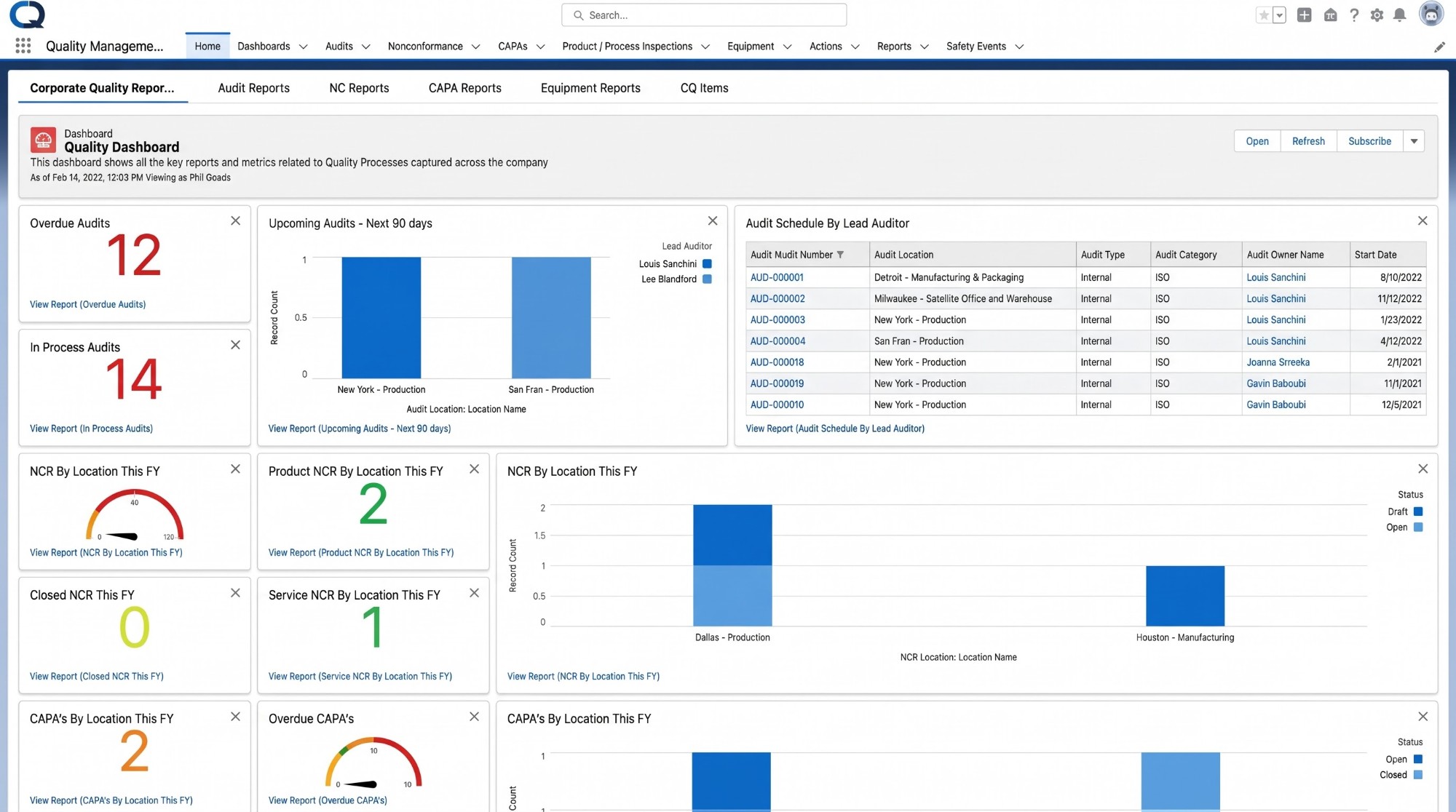
Ideagen Quality Management brings audit management together with document control, corrective actions, training and supplier quality. It is relevant when the purchase involves a wider quality system, rather than auditing alone.
Key features
Connected quality processes: assess audits alongside the documents, training and supplier activities they may relate to.
Corrective action management: handle follow-up within the wider quality system.
Document control: manage the documented procedures that support consistent work.
Training and competency management: maintain visibility of workforce training requirements.
Strengths
Its breadth is useful when audit findings need to be considered alongside documents, training and supplier quality processes.
Considerations
Ideagen offers several products. Make sure the demonstration and proposal cover the specific Quality Management configuration you need. Ask about implementation, data migration and the modules included.
Pricing and evaluation: Request a demonstration and a proposal based on your audit and quality requirements.
For organisations managing audits within an EHSQ system
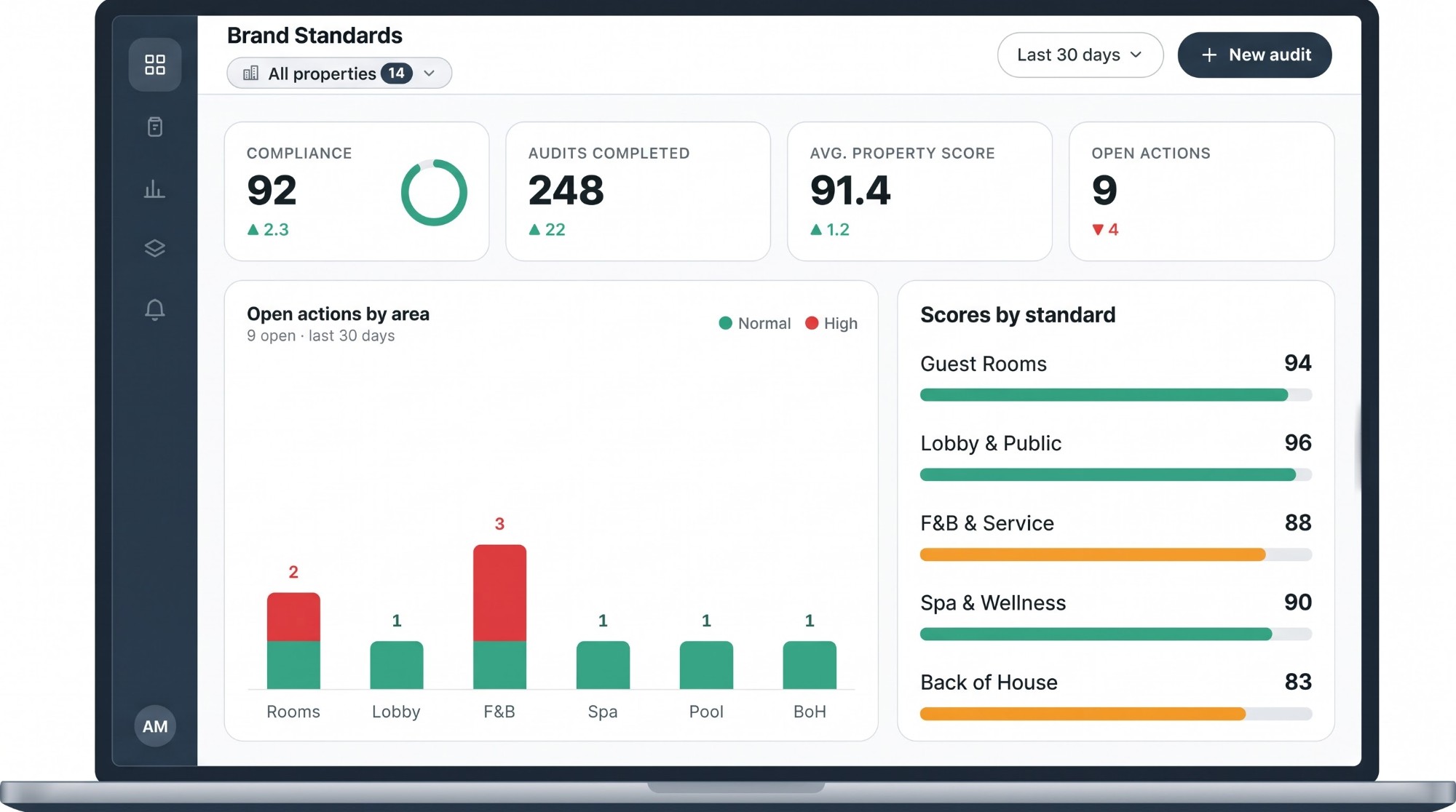
Intelex offers audit management within its environmental, health, safety and quality software portfolio. It is relevant to organisations evaluating auditing alongside other EHSQ processes.
Key features
Audit scheduling and tracking: maintain visibility of planned and ongoing audits.
Centralised data collection: keep audit information in a shared web-based system.
Internal and external audit management: organise different audit activities within the platform.
Reporting: review findings and audit progress without relying entirely on separate records.
Strengths
The EHSQ portfolio is relevant to organisations that want to assess auditing alongside environmental, safety and quality management applications.
Considerations
Identify the applications required for your intended workflow. Ask how audits connect with action management, document control and other selected modules, and confirm what is included in the proposal.
Pricing and evaluation: Request a demonstration using a representative audit and follow-up process.
For organisations evaluating audits alongside manufacturing or life sciences quality processes
ComplianceQuest provides quality management capabilities covering audits, non-conformances, corrective and preventive actions, documents and training. Its published offerings include manufacturing and life sciences applications.
Key features
Audit management within a QMS: evaluate audit activities alongside other quality records.
Non-conformance and CAPA processes: manage identified problems and the actions taken to address them.
Document and training management: bring supporting quality processes into the same software environment.
Industry-focused offerings: assess the product against manufacturing or life sciences requirements.
Strengths
Its quality management scope is relevant when audit work forms part of a wider manufacturing or life sciences software project.
Considerations
Define your required modules, integrations and implementation scope before comparing costs. For regulated activities, confirm the applicable validation and record-control requirements with the provider.
Pricing and evaluation: Request a demonstration and pricing for your intended configuration.
For organisations needing configurable enterprise quality workflows
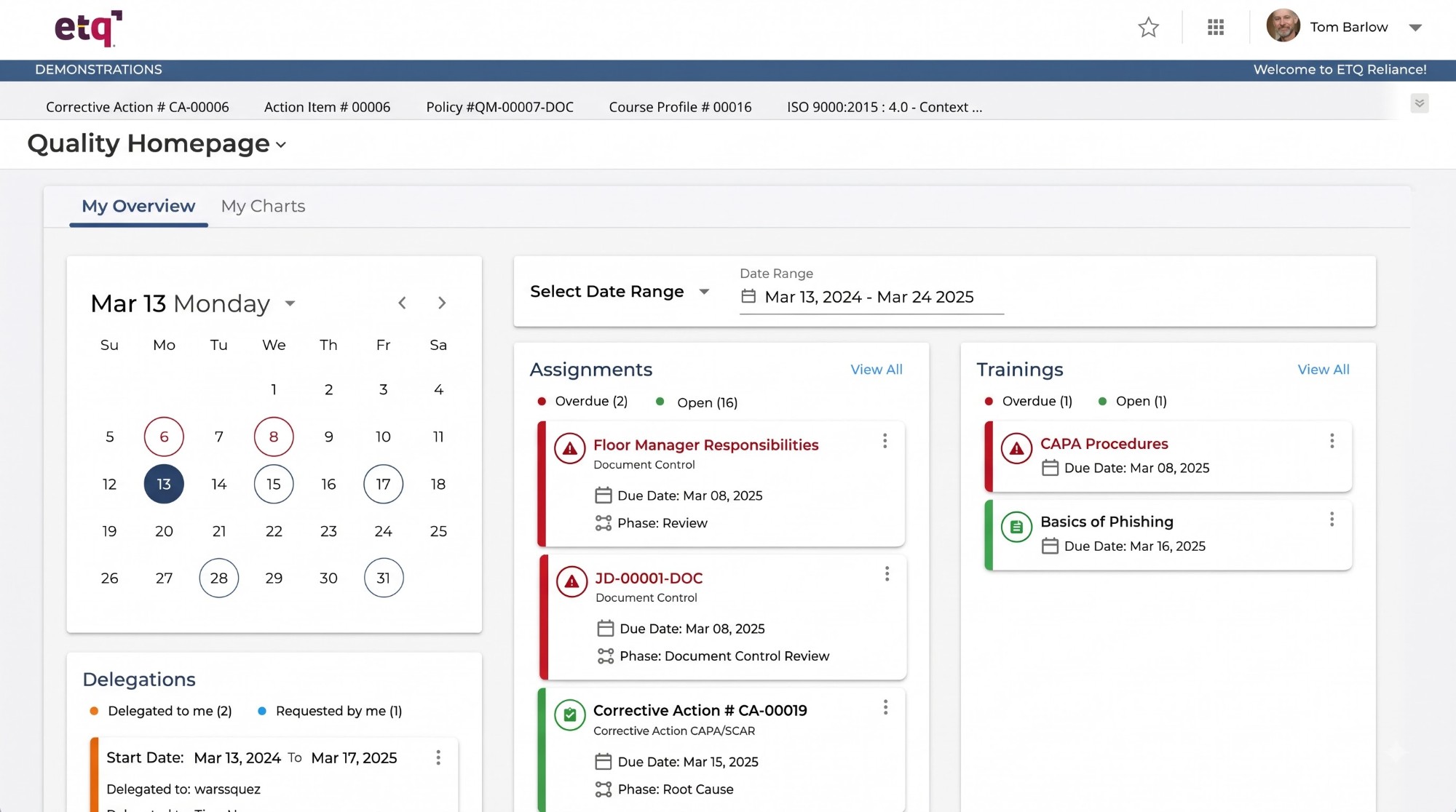
Octave Reliance, formerly ETQ Reliance, is a quality management system with applications covering audits, document control, CAPA, training and supplier quality.
Key features
Connected quality applications: manage audits alongside related quality processes.
Configurable workflows: adapt forms, rules and processes using its application designer.
Reporting and analytics: review quality information and performance trends.
Enterprise integrations: assess connections with existing business systems.
Strengths
Configurable forms and workflows are useful when several teams need consistent quality processes with requirements specific to the organisation.
Considerations
Agree the configuration, integration and implementation work required. A broader QMS should be evaluated against your full quality requirements as well as the audit process.
Pricing and evaluation: Request a demonstration and a proposal that identifies the applications and services included.
How to choose the right ISO audit management software
QUESTION 1
Does it support the audits you actually conduct?
List your standards, locations and audit types before comparing features. Ask providers to show how their product handles your requirements.
A library of ISO checklists can provide a starting point. You should also assess how questions can be adapted to your processes, risks and previous findings.
QUESTION 2
Can you trace evidence back to a finding?
Use a sample finding during the demonstration. Check whether you can follow it back to the relevant question, supporting evidence and audit record.
This makes it easier to assess how much work will be required when someone reviews or challenges the finding.
QUESTION 3
What happens after a corrective action is assigned?
Look beyond task completion. Check how the system records responsibility, deadlines, root cause analysis and evidence that the action worked.
Ask the provider to demonstrate an overdue action and an action that needs further work before closure.
QUESTION 4
Can managers see what needs attention?
Test whether reports answer practical questions:
Which audits are overdue?
Which corrective actions still need attention?
Are similar findings appearing across sites?
Which issues have recurred after previous action?
Use your own reporting requirements to assess whether the available dashboards and exports are sufficient.
QUESTION 5
What will the full arrangement cost?
Compare costs for your intended users, sites and standards. Include any implementation, migration, integration, training and support charges.
Check the contract term and whether occasional users need paid licences. An advertised monthly rate may depend on billing or commitment conditions.
QUESTION 6
Can your team use it without recreating work elsewhere?
Include auditors, action owners and managers in the evaluation. Ask each person to complete a realistic task.
If your team still needs separate spreadsheets to track important parts of the process, establish whether that is a configuration issue or a product limitation.
Try iAudit Global free for 14 days
A software comparison can narrow your options. Trying the product helps you assess whether it fits the way your team works.
Use iAudit's 14-day free trial to explore its approach to ISO audit management. Start with a representative audit and review the available planning, evidence, findings and follow-up features. Check which plan covers your required standards and sites.
Our platform is built around a PDCA-based audit process, helping teams keep audit work and corrective action follow-up connected.