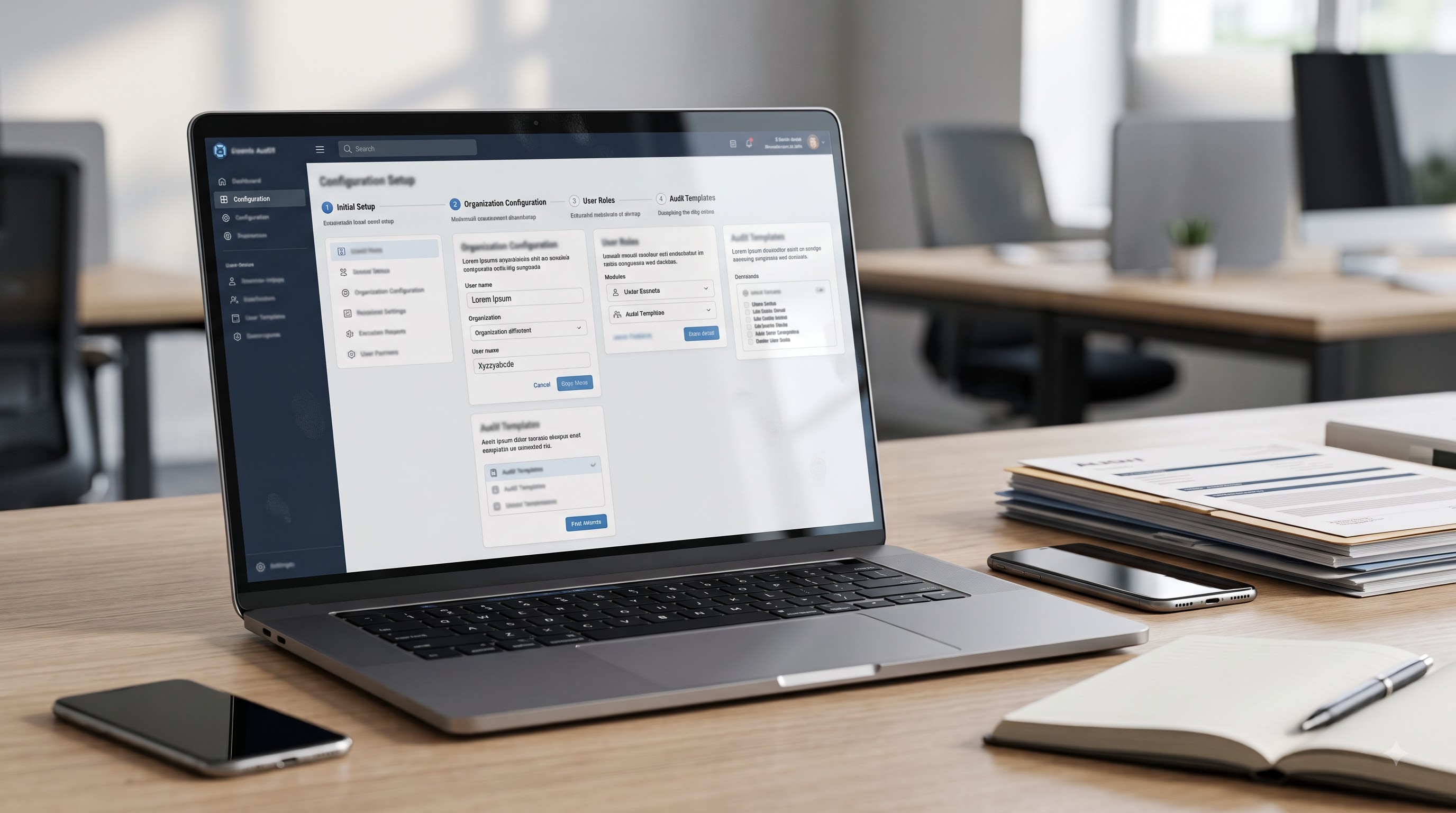
How to Set Up iAudit Global ISO Audit Software: Step-by-Step Guide
In my experience, the greatest barrier to digital transformation in the ISO world is not budget. It is not desire. It is fear of complexity.
I have seen many quality and safety teams remain stuck with fragmented spreadsheets simply because the alternative feels like a six-month IT project.
When we developed iAudit Global, we focused on one principle: Time to Value.
We wanted the process for how to set up iAudit Global ISO audit software to follow the logic of the auditor, not the logic of the programmer.
Implementation should not be a hurdle. It should be the foundation of your digital audit history.
Whether you manage a single site or multiple depots across regions, here is a structured, practitioner-led guide to getting your programme operational in six steps.
Why Structure Matters from Day One

Digital transformation is often misunderstood.
Putting a paper checklist on a screen is not transformation. It is replication.
True digital auditing creates continuity. It ensures your audit history remains intact regardless of staff turnover or consultant changes.
Most teams I speak with are exhausted by file management. Word tables. Email threads. Disconnected spreadsheets.
Learning how to set up iAudit Global ISO audit software is the first step towards removing that friction.
By following a structured setup, every finding, evidence file and corrective action stays with your organisation permanently.
This is exactly why we built audit management software built by auditors. It supports real compliance work, not document formatting.
Step 1 – Secure Your Private Audit Workspace

Get Started
Start at iaudit.global and select Get Started Free.
This creates your secure workspace immediately. You only need a professional email address and a password.
We provide a 14-day free trial because you should see the structure working before committing.
From the first login, our Zero-Access policy applies. We host the software. We do not access your findings or attachments. Internal audits contain the most honest view of how a business operates. That data must remain yours.
Step 2 – Define Your ISO Standards and Organisational Context

Start Onboarding
Once you enter the dashboard, click Start Onboarding. This is the moment you move from a generic workspace to a system built for your specific management framework. In ISO terminology, this is where you establish the context of the organisation.
By selecting your standards early, you ensure that every future checklist, report, and finding is technically grounded in the High-Level Structure of your certification.
Building Your Company Profile
First, you will establish your organisation's professional identity within the system. This ensures that every report generated is custom-branded and technically accurate.
Upload your company logo (PNG or JPG up to 10MB). The system automatically compresses the file for efficient storage, ensuring your reports look professional without being oversized.
You will enter your company name, select your specific industry, and provide a contact number. There is also a description field with a 500-character limit, which is the perfect space to define the scope of your management system.
Completing the full address details, including street, country, state, and postal code, ensures your audit records meet the formal documentation requirements of Clause 7.5.
Step 3 – Mapping Multi-Site Infrastructure

Add Your Sites
One of the most common failures in manual audit programmes is the Site Silo.
Site A is compliant. Site B struggles. Head office cannot see the difference because records are local.
During setup, add each operating location. Manufacturing plants. Construction projects. Logistics depots.
When you understand how to set up iAudit Global ISO audit software across sites, you gain comparison capability.
You can identify recurring nonconformities across regions. Lessons learned in one site become visible to all.
This is not about digitising a checklist. It is about operational oversight.
Step 4 – Building a Resilient Team Structure

Organise Your Teams
Auditing should never depend on memory.
Organise your teams by department. Production. Maintenance. HR. Engineering. Invite your colleagues. Assign clear roles.
Auditors
Execute checks and capture evidence.
Auditees
Own the processes and respond to findings.
Clear role assignment eliminates ambiguity. It removes the “Who was supposed to do this?” conversation. It also prevents corrective actions from drifting into what I often call the Inbox Grave.
You can see how ownership discipline supports corrective actions after an internal audit. Structure prevents recurrence.
Step 5 – Baselining Maturity with a Self-Assessment

Run Self-Assessment
Before conducting formal audits, you need a baseline. The Self-Assessment tool is clause-aligned.
Example: ISO 45001 Self-Assessment
Under ISO 45001, you will see structured questions across all auditable clauses:
Each question uses a clear Yes or No format. A progress indicator shows completion status across the standard.
This is not a generic checklist. It mirrors the structure of the ISO standard itself.
The output provides an honest picture of where you stand before any formal audit begins. That insight alone can reshape your next management review.
Step 6 – Identifying Gaps and Planning Action

Gap Analysis
The Gap Analysis moves you from maturity overview to action.
Gap Analysis Outcomes
For each clause question, you select:
Available Actions
Unlike static spreadsheets, this keeps findings, evidence and action together. By the end of this step, you have transitioned from fragmented files to a structured, operational audit programme.
Maintaining the PDCA Cycle

The real purpose of learning how to set up iAudit Global ISO audit software is not setup efficiency. It is PDCA continuity.
Plan
Plan your audits
Do
Do the checks
Check
Check the findings
Act
Act through verified corrective action
Our PDCA cycle audit software connects these stages automatically.
Findings link to actions. Actions link to evidence. Reports are generated using the logic outlined in how to write an ISO internal audit report.
You are no longer rebuilding audit packs manually before external reviews. Your history builds itself.
Take Control of Your Audit History
Setting up ISO audit software is not a technical project. It is a structural decision.
It ensures your audit records stay with the organisation. It protects continuity. It strengthens governance.
Structure should never be a hurdle to improvement. It should be the engine behind it.
If you are ready to move beyond formatting Word tables and managing disconnected spreadsheets, start your 14-day free trial at iaudit.global.
You can complete these six steps and run your first gap analysis in less time than it takes to format a single ISO internal audit report template.